Magazine Template – Balance: Professional Editorial Design
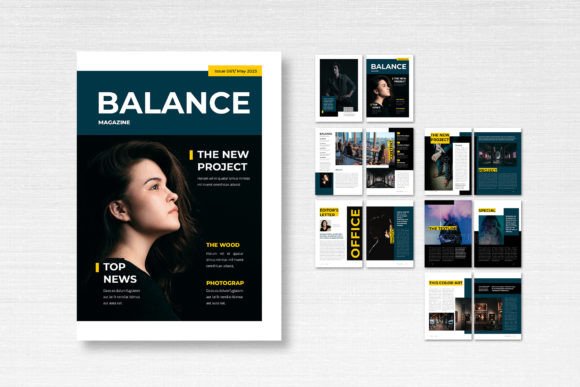
Finding the right foundation for a new publication project can feel overwhelming. You need something that looks polished and professional, yet flexible enough to adapt to your specific content. That’s where a well-constructed template steps in, saving you time while elevating the final product. The Magazine Template – Balance is exactly that kind of solution. It’s a clean, professional Adobe InDesign template designed for magazines, books, journals, catalogs, and similar projects. Its strength lies in its balanced aesthetic—crisp layouts, thoughtful typography, and a modern feel that doesn’t distract from your message.
Understanding the Template's Visual Character
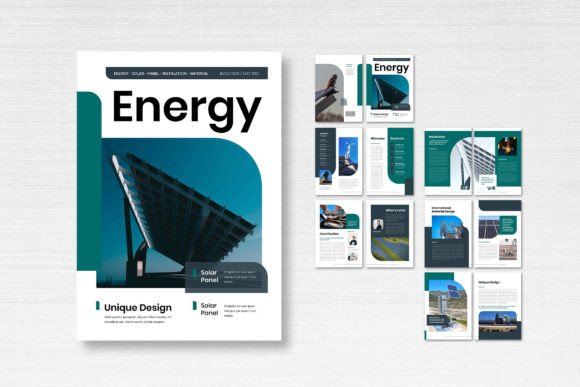
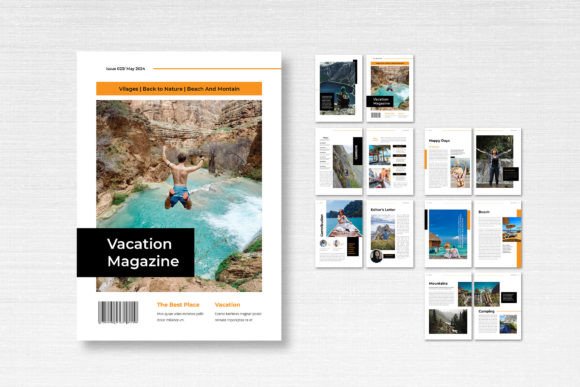
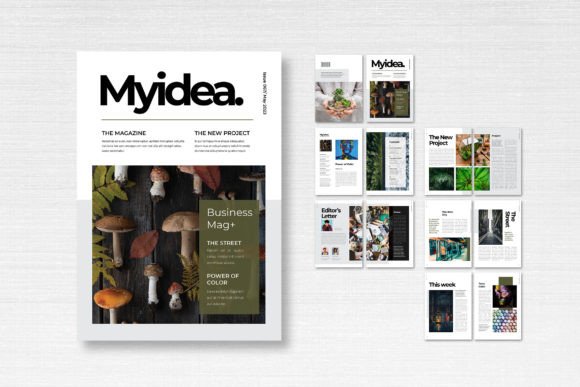
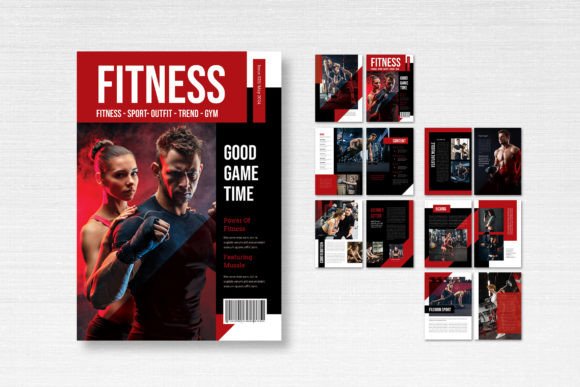
At its core, the Balance template embodies a sense of refined order. The design avoids clutter, using ample white space to let your content breathe. This creates a calm, focused reading experience. The layout structure is grid-based, which ensures consistency across pages while allowing for creative flexibility. Whether you’re placing feature articles, photo essays, or product showcases, the visual hierarchy is clear and intuitive. The template uses a standard A4 size (21cm x 29.7cm), which is perfect for both print and digital distribution. The CMYK color format and 300 DPI resolution mean it’s ready for high-quality printing, while the 3mm bleed ensures no awkward white edges after trimming. The included fonts are free for commercial use, sourced from reliable places like DaFont or Google Fonts, so you won’t face licensing headaches later.
Where This Template Shines: Real-World Applications
Think about your current projects. Are you launching a small business magazine? Creating a lookbook for your fashion line? Designing a program for a local event? The Balance template is built for these moments. Its clean lines and professional appearance make it ideal for corporate reports, client presentations, or brand guidelines. For entrepreneurs and small business owners, it offers a quick way to produce marketing materials that look like they came from a big agency. Bloggers and content creators can use it to compile digital zines or downloadable guides. The modular design means you can easily mix and match pages—use the front and back covers as starting points, then build your interior with the 14 custom pages provided.
Enhancing Your Brand Through Thoughtful Design
Consistency is key in branding, and a template like this helps you achieve it effortlessly. When every page follows the same design language, your publication feels cohesive and trustworthy. The Balance template’s style is versatile enough to adapt to different brand personalities, whether you’re going for minimalist, elegant, or dynamic. It acts as a framework that supports your brand identity without overpowering it. The neat organization of layers in the InDesign file means you can easily swap colors, adjust text styles, or reposition elements to match your brand’s palette and voice. This level of customization is crucial for maintaining recognition across all your materials.
Practical Tips for Getting the Most from Balance
Before diving in, take a moment to plan your content structure. Look at the 14 pages included and sketch out where your articles, images, and ads will go. The template’s strength is its flexibility, but a little forethought will help you use it more effectively. When customizing, pay attention to typography. The free fonts provided are chosen for readability and style, but feel free to experiment with pairings if your brand uses specific typefaces. Test how your chosen serif or sans serif font works with the layout—does it maintain clear hierarchy? Is the body text comfortable to read at length? These small details impact how your audience engages with the content.
Remember, all images in the preview are placeholders. You’ll need to source your own visuals. Use high-resolution images (300 DPI for print) to maintain professional quality. The template’s smart layers make it easy to drop in your photos and graphics without breaking the layout. If you’re working on a commercial project, double-check that any additional fonts or assets you add are properly licensed. The Balance template itself is designed for commercial use, so you’re covered there.
Elevating Your Editorial Projects
Whether you’re a designer, marketer, or hobbyist, the goal is to create something that resonates. A well-designed template like Balance doesn’t just save time—it raises the perceived value of your work. Readers and clients notice when something looks polished and intentional. It builds credibility and keeps them engaged. So, take this template, make it your own, and focus on what matters most: your content. The design will support it every step of the way.